Support
Customer Support
For general inquiries or technical support, contact one of the following numbers or visit a SoftBank Shop near you.
| SoftBank Customer Support | Find a SoftBank Shop |
Shops with English-speaking crew
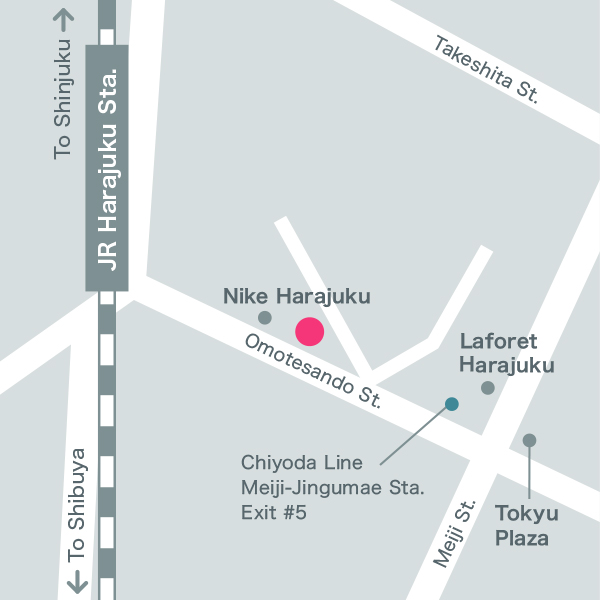
Would you like to find out more? Visit our nearest SoftBank shop staffed with multilingual crew to help you purchase the device or sign up for the mobile service plan that suits you.
Please make a shop visit reservation in advance.
Customer service over video call is also available.